
How do I coordinate employees and investors for a product launch?
Write the announcement, invite each group through its own link, approve what they write, and publish the whole launch in waves from a command center.
Updated 19 August 2026 · 3 min read
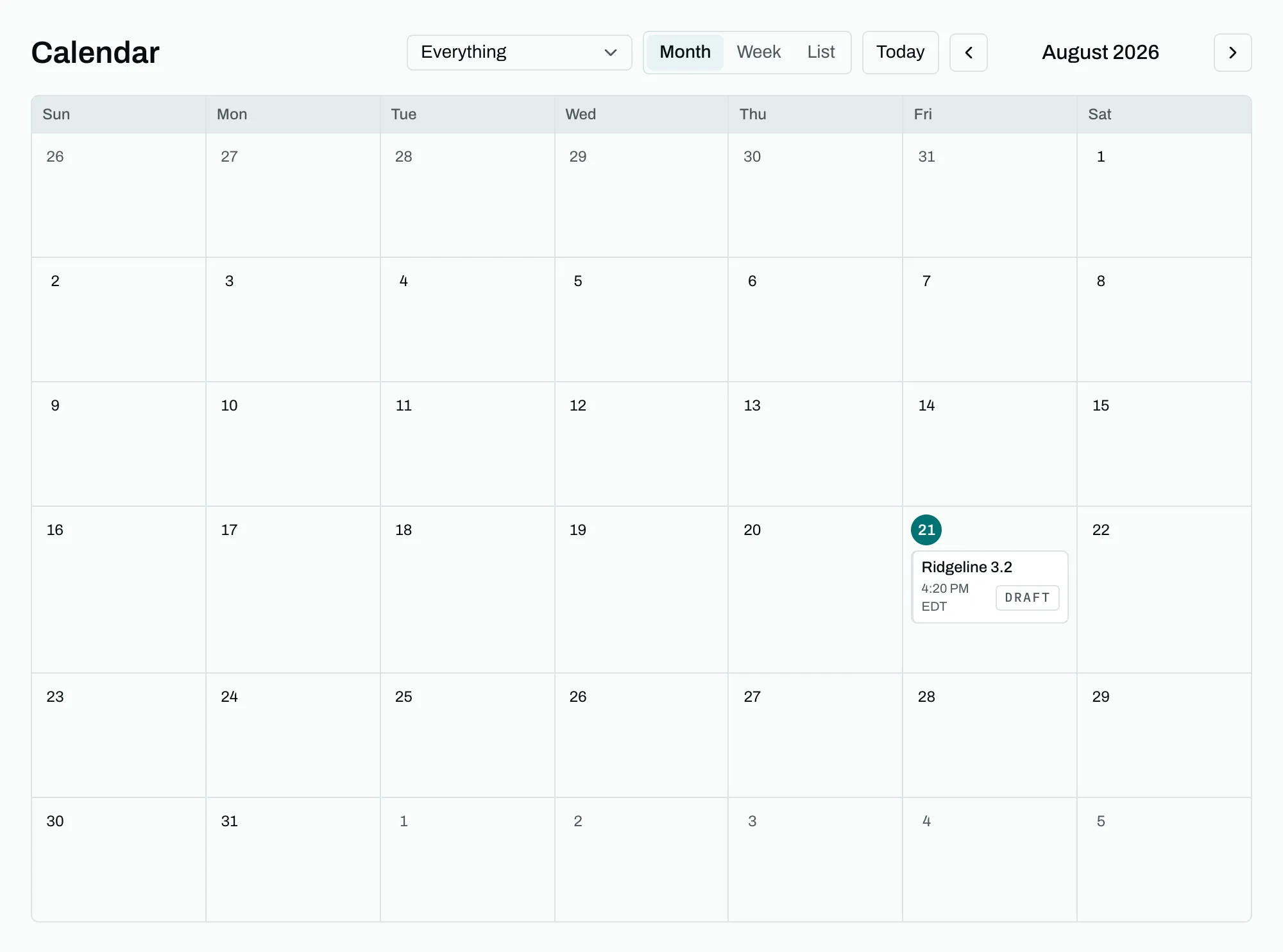
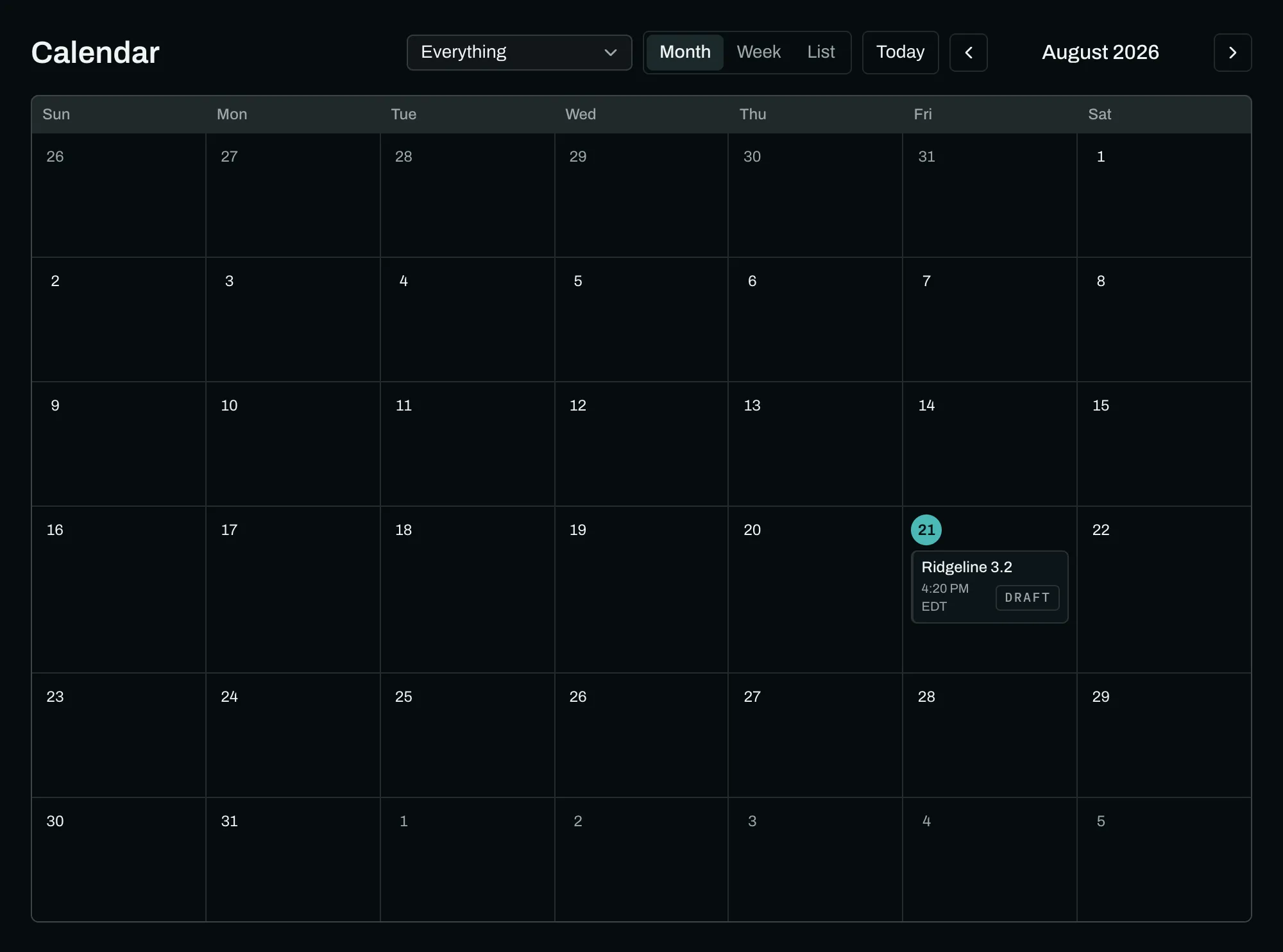
A product launch is the case LaunchGenius was built for. Twenty to a hundred people who genuinely want the launch to land: the team who built it, the investors who backed it, the customers who use it, the partners whose integration it enables. On the day, most of them post late, post the same sentence, or forget.
Write the announcement first
The launch post is the anchor. Write it per platform, because the X version and the LinkedIn version are never the same length. Everything else attaches to it: an investor's repost carries it, a customer's reply lands under it, a teammate's quote adds their words on top.
Set the destination URL and every participant gets a tracked link of their own, so afterwards you know whose post sent people where.
Invite each group through its own link
Cohorts are how you tell the groups apart, and each built-in one carries a window relative to the launch moment, which the product calls T-0:
| Cohort | Usual wave |
|---|---|
| Team | 2–30 minutes after T-0 |
| Collaborator | 10 minutes to 1 hour after T-0 |
| Guest | 15 minutes to 2 hours after T-0 |
| Guest's comms | 15 minutes to 2 hours after T-0 |
| Customer | 30 minutes to 3 hours after T-0 |
| Advocate | 30 minutes to 3 hours after T-0 |
| Creator | 1–24 hours after T-0 |
| Investor | 2–6 hours after T-0 |
| Partner | 2–6 hours after T-0 |
Share the team link in the company channel. Send the investor link with a short note. Pull the customer cohort straight from your contacts if they are already there, and preview exactly who is emailed before anything is sent. If you ran a launch last quarter, pull that roster in and their cohorts come with them.
The waves are why this works. Twenty posts in one minute reads as a campaign; the same twenty across an afternoon reads as twenty people who liked something.
Let them write, then approve
Everyone writes in their own words. Two people cannot submit the same sentence on the same platform for the same launch, and you cannot rewrite what someone wrote. You can approve, ask for changes, or suggest an edit they accept or decline. Nobody publishes a sentence they did not agree to, which is also the reason the posts do not read as corporate.
Employees post from their own accounts. If someone marks a company account as shared, any member can post from it too, inside your launches only.
Schedule it, then watch it
The Go step lists anything that would stop the launch, each with a link to fix it, then the button. Before that, run it as a rehearsal: the whole schedule executes and nothing reaches a platform.
On the day, the command center shows every post in order, what has published, what is waiting and what needs a person. If someone never connected an account, they get their post at their moment, ready to paste, and a reminder if they do not confirm.
Read the numbers honestly
Afterwards, the report splits reach three ways: your company accounts, your team's own accounts, and everyone else. Whether somebody counted as team was recorded when they joined, so a colleague leaving next year does not rewrite last quarter's report. Impressions are read from each platform on a schedule and shown as a floor, not a total. Link opens and who posted on time are counted by LaunchGenius and cover every post.
Send the report as a link. It works without an account, and it can go to a board without a slide.
Limits worth knowing
Starter runs 3 launches at once with 25 people each; Team runs 10 with 100. Everything before scheduling is free on any plan, and a workspace that has never paid can let 10 people join and write. See plans and limits for the full table.
Run this one yourself.
Everything before scheduling is free. Start with the launch, invite one person, and watch it run as a rehearsal.