
Email from your launches
The messages the product sends your roster automatically, how to put your own voice on them, and how to write and schedule an email of your own.
What the product sends on its own
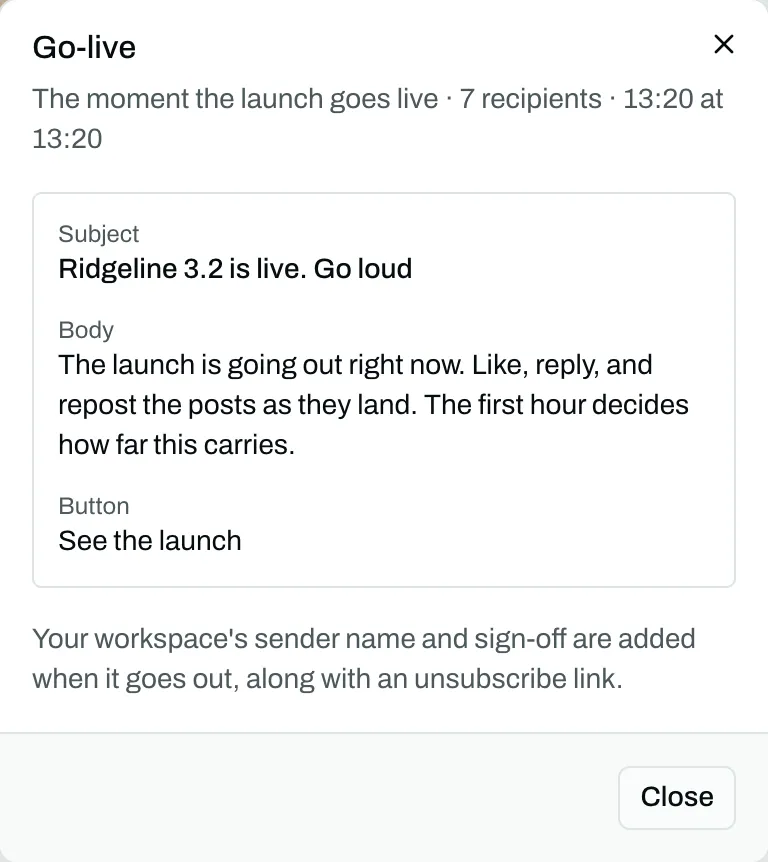
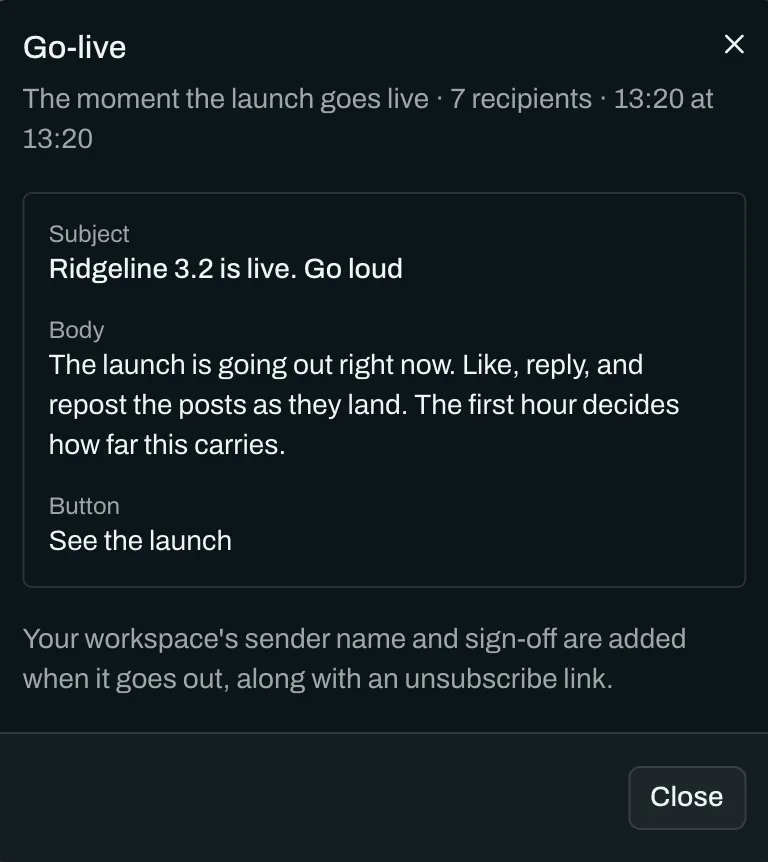
The roster is chased automatically: a nudge to join, a reminder to write a post, a notice when the launch goes live, and a thank-you afterwards. The product writes those.
Two controls come with them on every plan:
- Automatic reminders, on a launch's Campaign page (the cast view). One switch mutes the chase for that launch. Reminders about a post's own planned time, the go-live notice and failure alerts still send, so nobody who committed a post is left waiting.
- Emails, in the command center. The ledger of every automatic message for the launch: sent, waiting, or the reason it was withheld.
Your voice on them
On Team and Pro, Settings → Communications lends those messages your voice: the sender name people see, a sign-off, and a short note of your own on the invitation, the go-live and the thank-you.
"Email me a test" sends you the real thing rather than a preview.
Writing an email of your own
Also Team and Pro. You can write an email yourself and schedule it exactly like a post.
On a single post, pick Email as a destination alongside the social accounts. You get a subject line and a recipient picker: either a cohort from your contacts, or the roster of one of your launches. Write it, pick the moment, and it goes then.
The useful one is the reminder. Aim it at a launch's roster and tick only people who haven't scheduled a post yet. That list is worked out when the email sends rather than when you write it, so anyone who schedules theirs in the meantime quietly drops off it.
Things worth knowing:
- Anyone who has unsubscribed from your workspace is left out, and you cannot add them back.
- Your sign-off and an unsubscribe link are added to what you write.
- It sends from your workspace's address, not a new one.
- There is a daily ceiling on how many people you can reach: 1,000 on Team and 5,000 on Pro. A send that would go over it is refused whole rather than reaching half your list.
- Attachments are not supported. Text and links only.
Or send it yourself
Choose "I'll send it myself" and at the scheduled moment you get the subject, the message and the list of people, already filtered for anyone who unsubscribed. You send it from your own address.
Worth knowing what changes. Once it leaves your inbox it is yours: there is no unsubscribe link on it, there is no record of who received it, and anyone who wants out has to tell you directly.
Unsubscribes
An unsubscribe applies to one workspace. Someone who leaves your list is still reachable by every other workspace they work with.
Account email, such as a sign-in link or a password reset, is never launch email and always sends.
Last updated 2026-08-25